The pause before the app
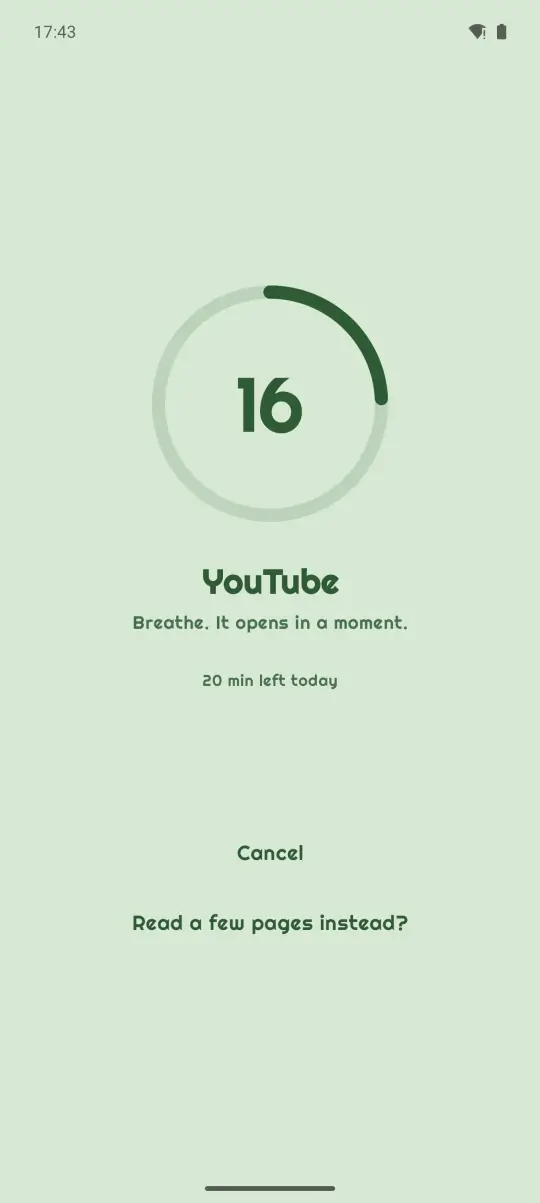
Before an app draws you in, a countdown of a few seconds holds it from opening, even from a notification or recent apps. Time enough to ask whether it's actually needed.
 Wabima
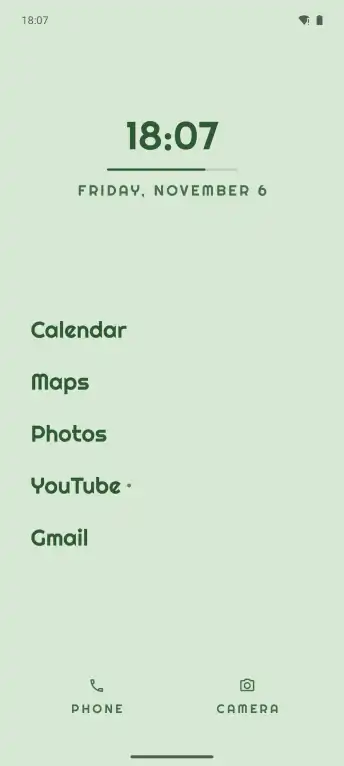
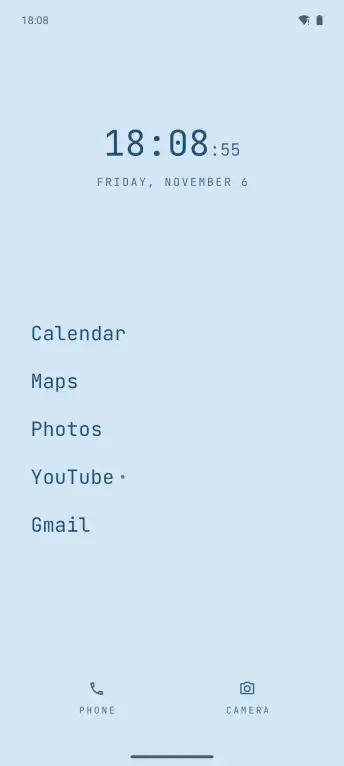
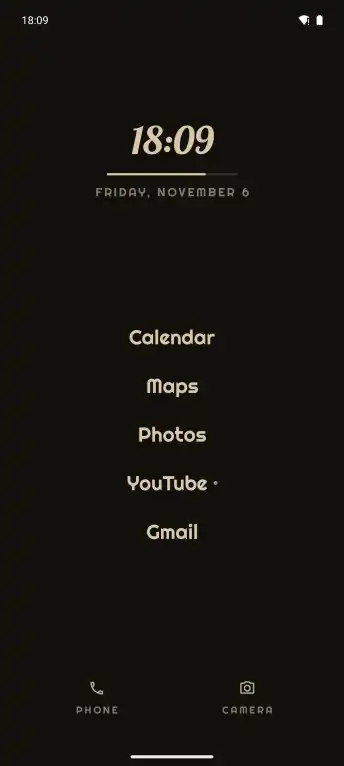
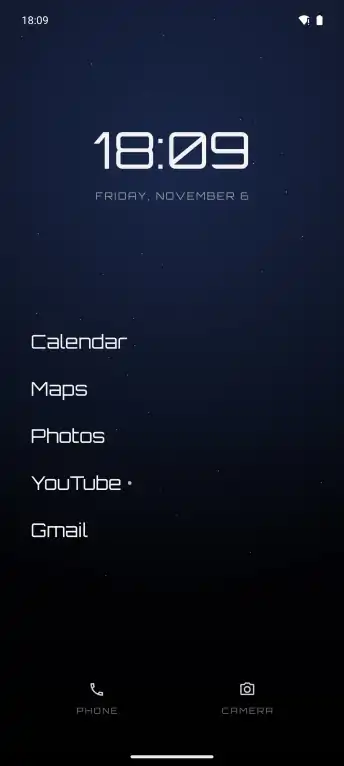
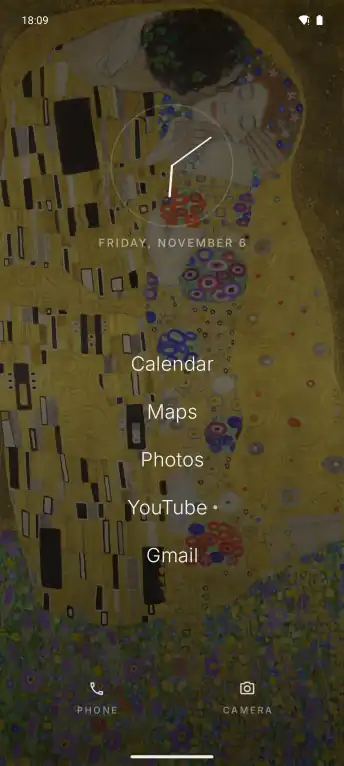
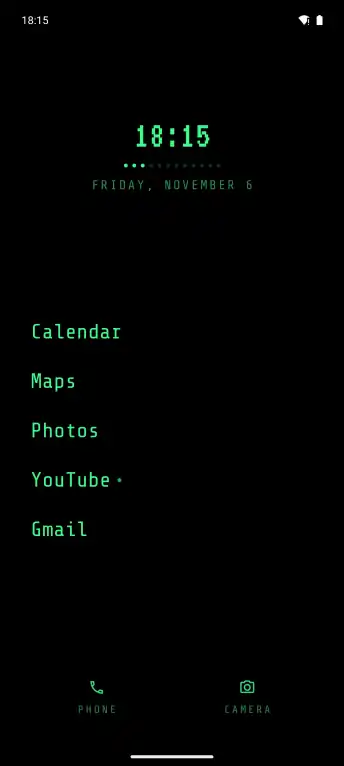
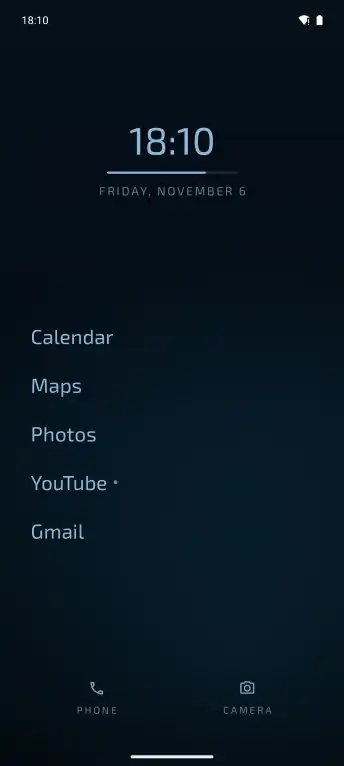
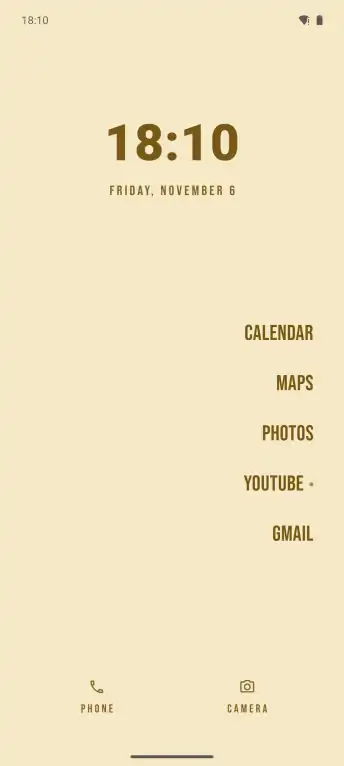
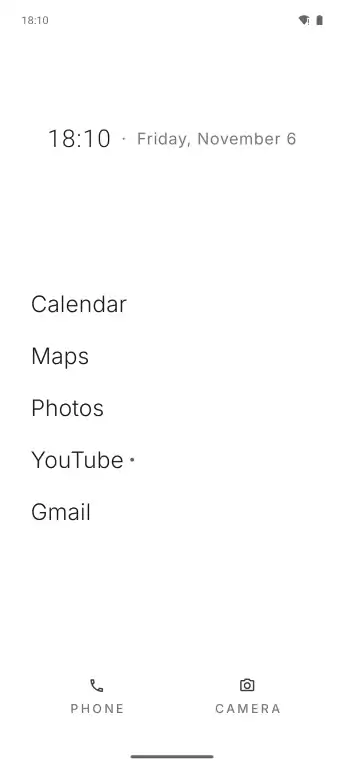
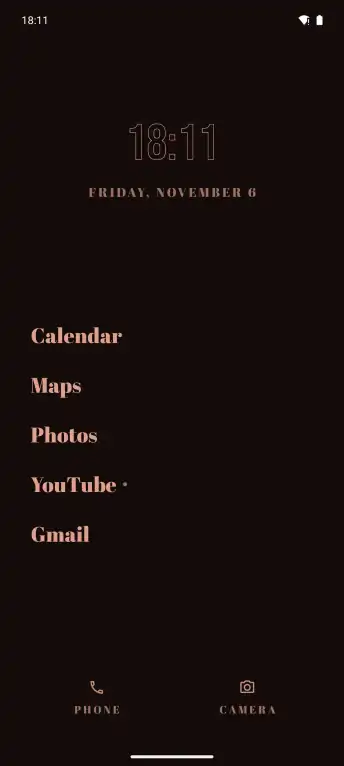
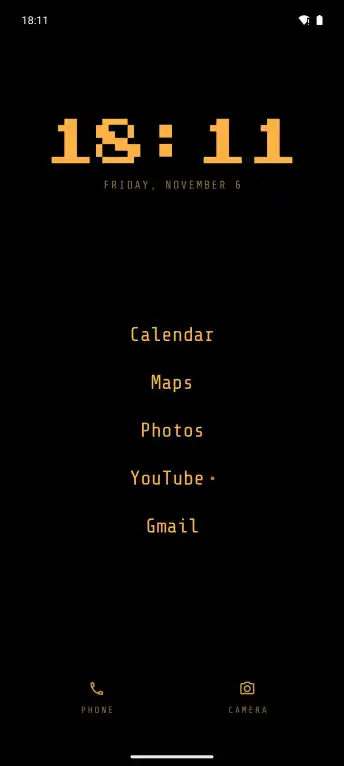
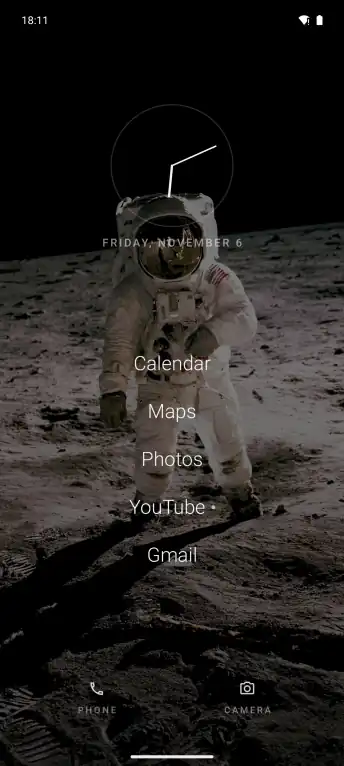
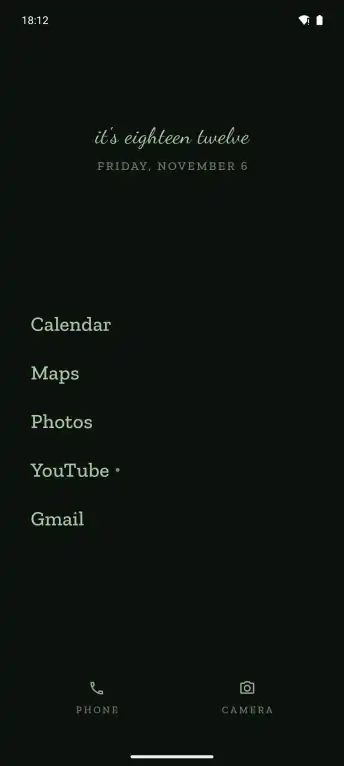
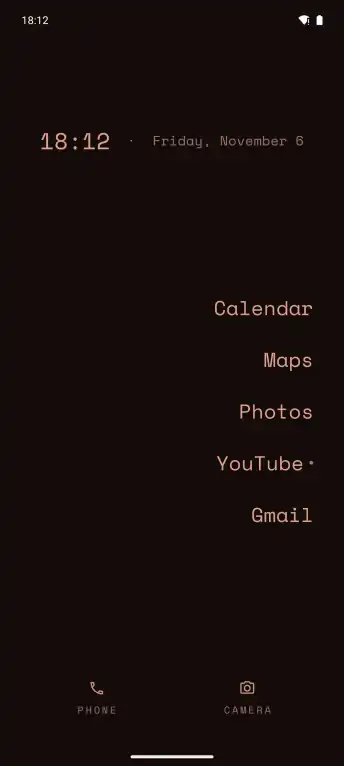
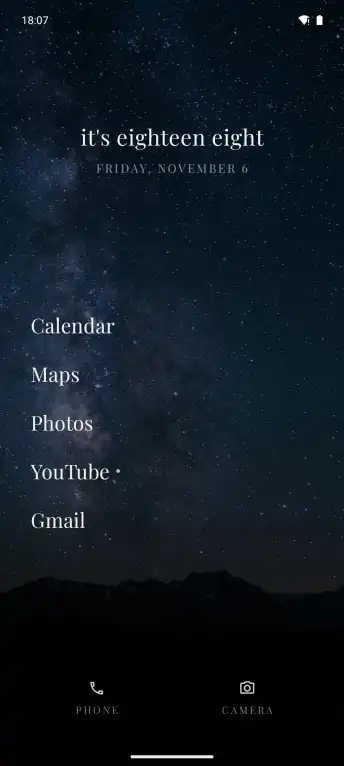
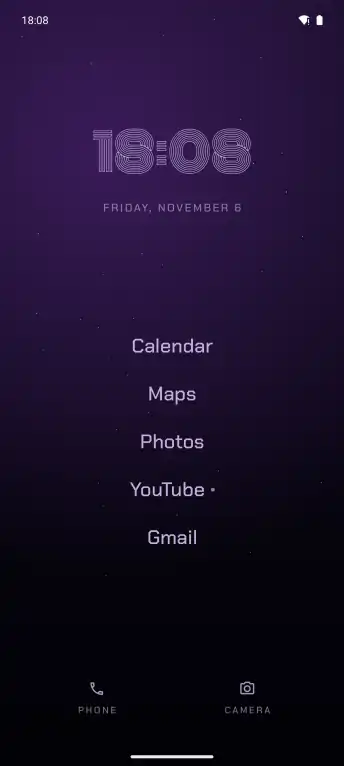
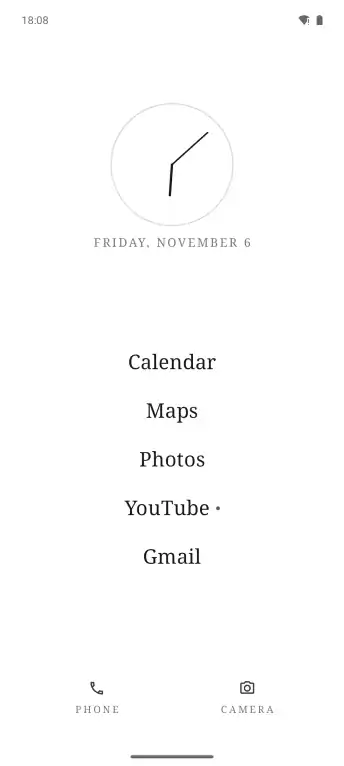
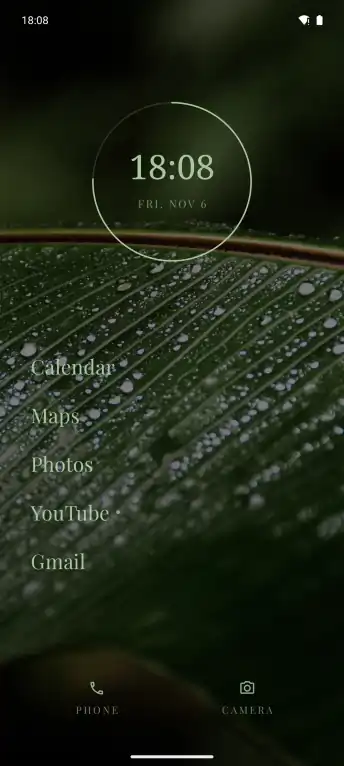
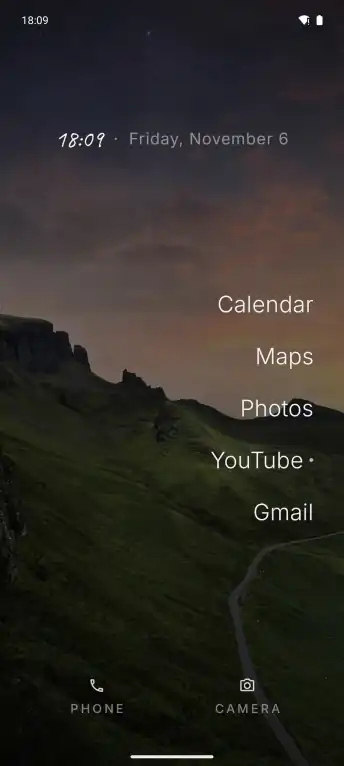
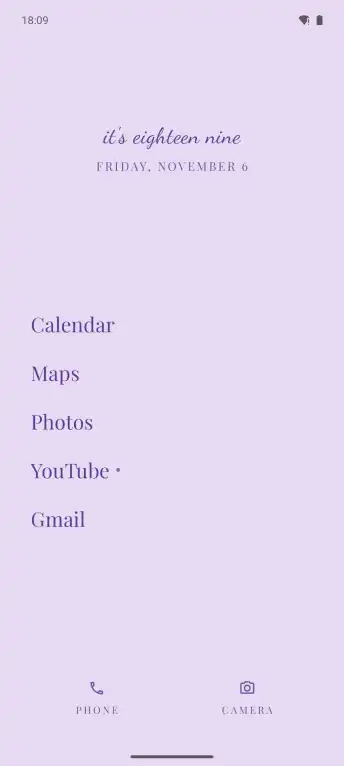
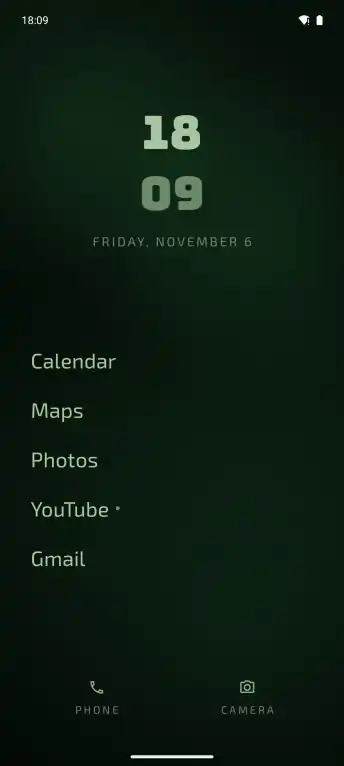
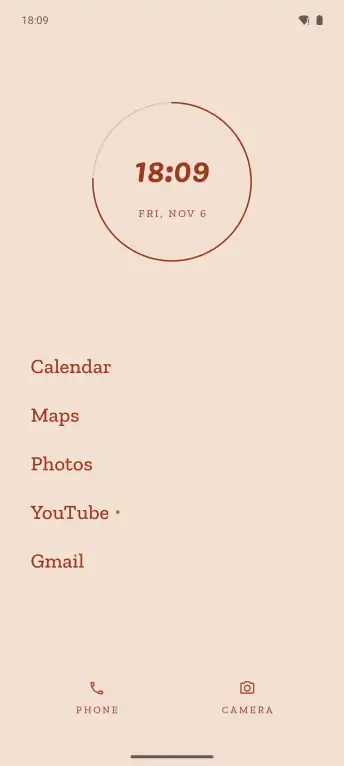
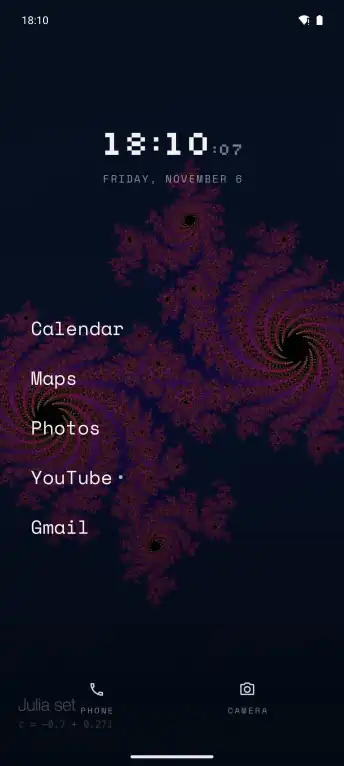
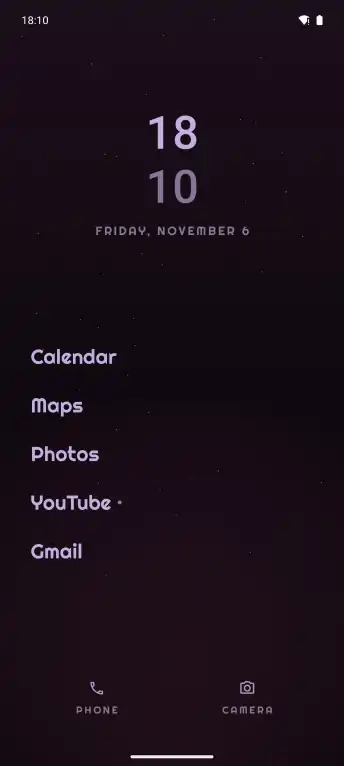
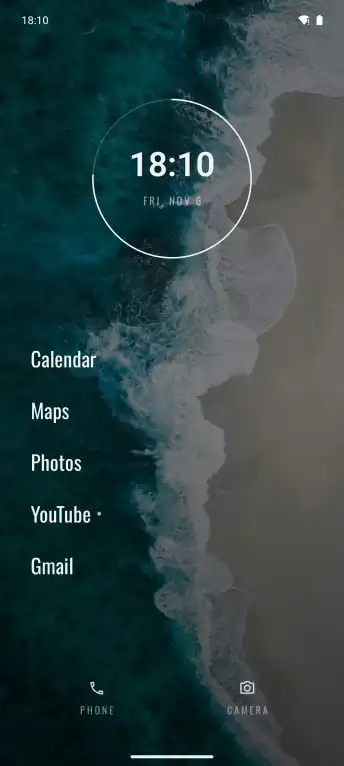
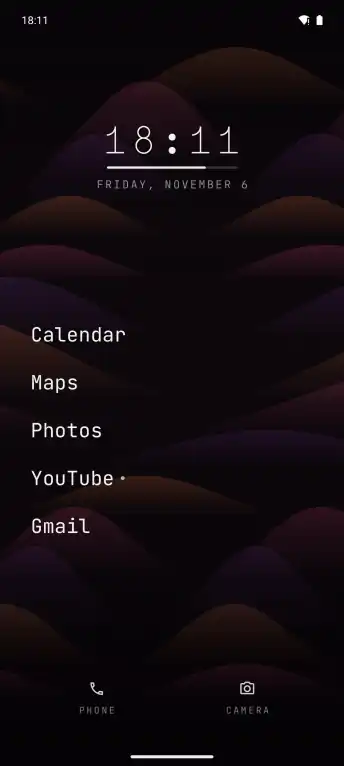
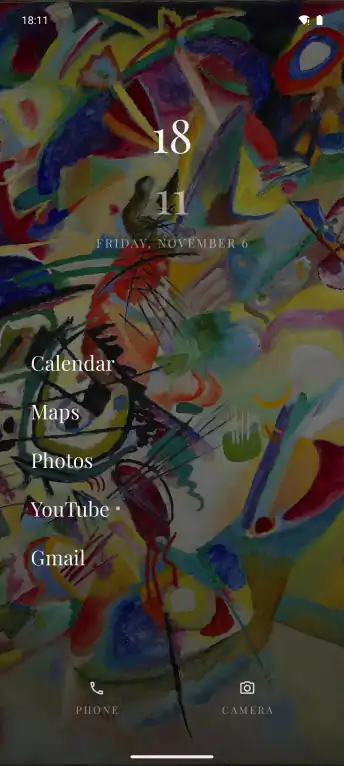
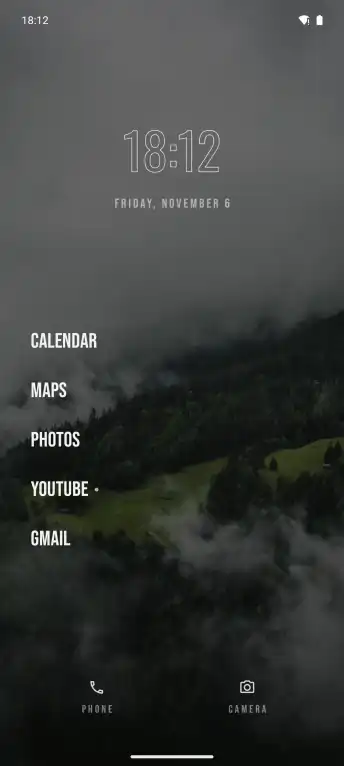
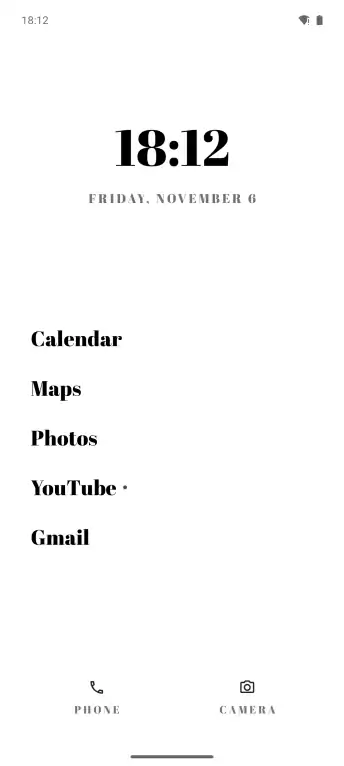
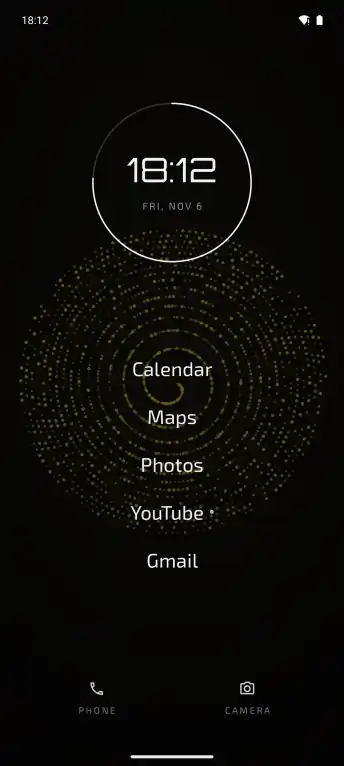
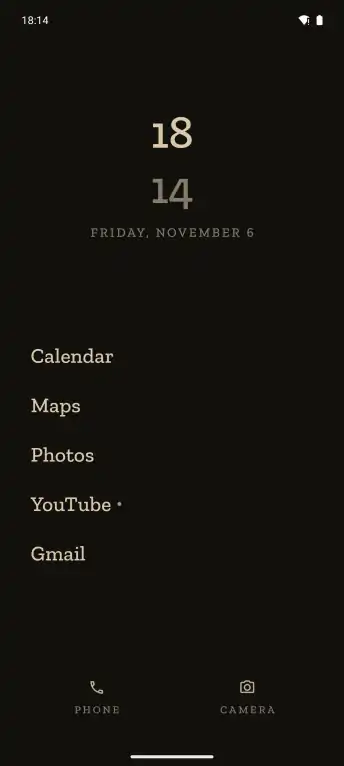
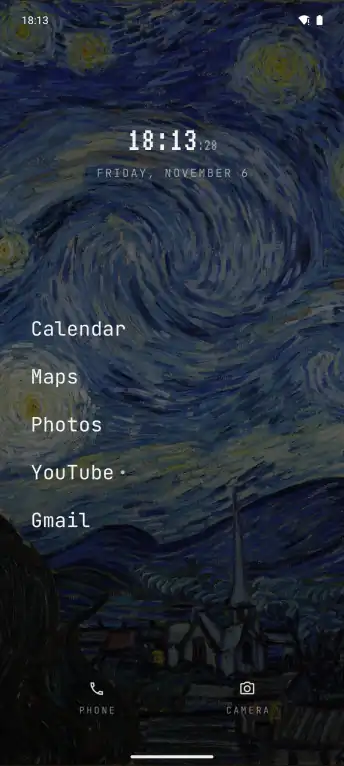
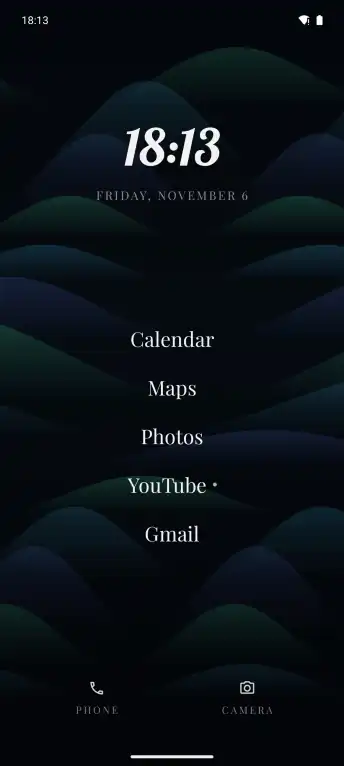
 turns the home screen into a plain text list. Before the apps designed to pull you in, it adds a pause of a few seconds. Long enough to ask: do I actually want this?
7-day free trial, then a one-time purchase at the price Google Play shows in your currency. No ads, no tracking.
Before an app draws you in, a countdown of a few seconds holds it from opening, even from a notification or recent apps. Time enough to ask whether it's actually needed.
A maximum screen time per day, per app or shared across a group, plus a reminder when the time you planned is up.
Make apps unreachable during the hours you choose: at night, in meetings, at work.
A timer that keeps the apps you pick blocked until it runs out. Good for studying or getting work done.
Lock your rules for a day, a week or with no end date: no loosening them in Wabima before the deadline you chose.
Silence notifications from the apps you choose, all the time or at set hours. Turn the screen black and white, hide apps from search.
One swipe from the home screen: guided breathing, notes, to-dos, voice memos, an EPUB and PDF reader, daily sudoku and chess.
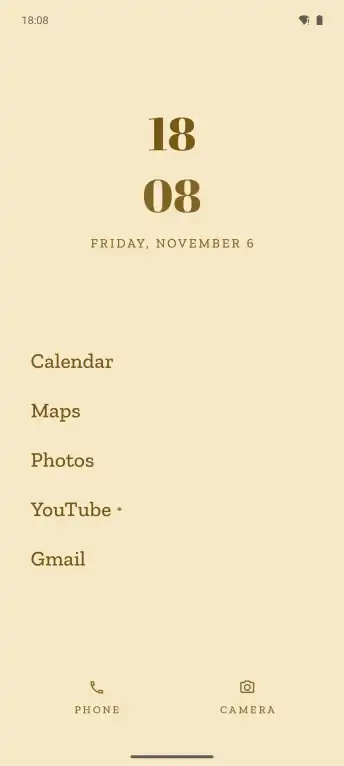
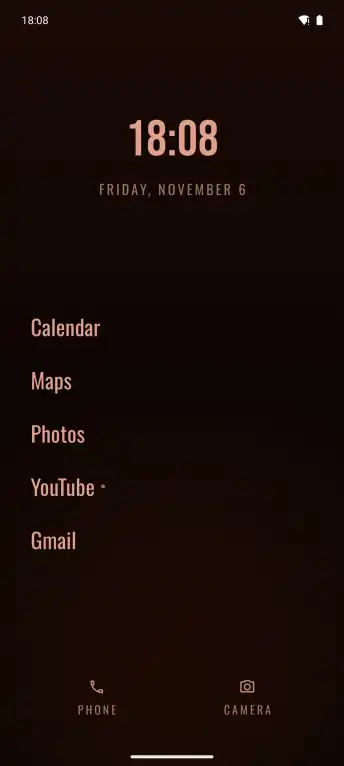
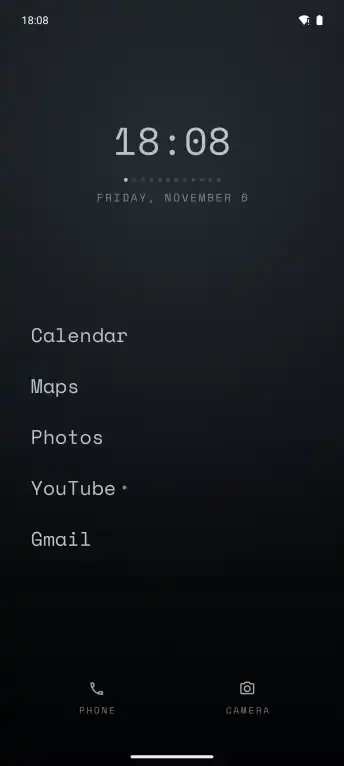
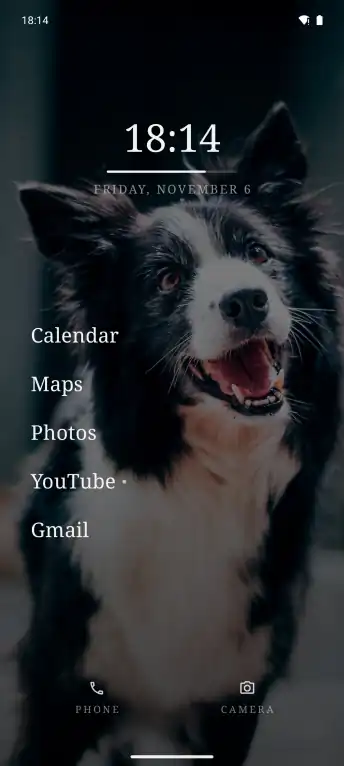
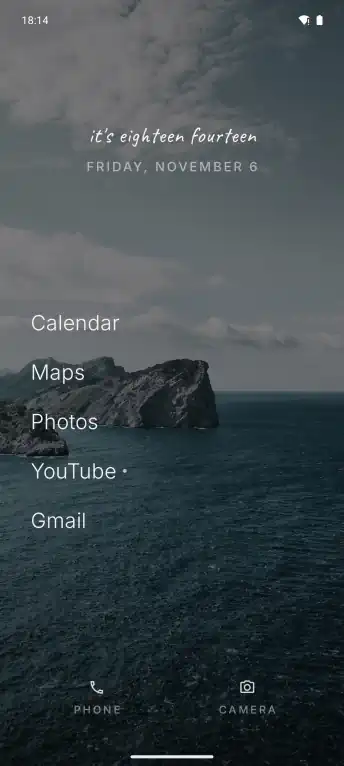
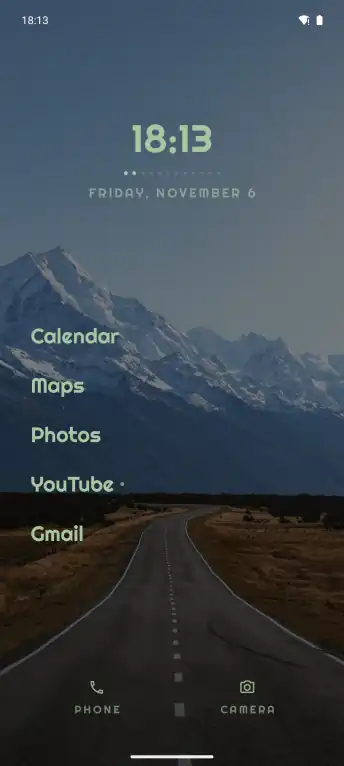
Light or dark themes, colors, fonts, text size, alignment, clock style. Dozens of combinations to try.
No subscription, no hidden costs, nothing coming back to your bill. One payment, updates included.
7-day free trial
≈ €8.99 one time
If you don't buy after the trial, the home screen keeps working; your rules and the Space are paused, and nothing is deleted. €8.99 is the reference price: Google Play shows the exact price in your currency before you pay.
To know which app is opening, so it can start the pause or apply your limits at the right moment. Wabima never reads what's on your screen or what you type. You can turn this access off anytime in Android settings.
For 7 days, everything is unlocked, with no payment and no card. The app lets you know the day before it ends. If you don't buy afterwards, your rules (pause, limits, blocked hours, focus, strict mode, notification filter) are paused and the Space is locked. The home screen, search, opening your apps and themes keep working. Nothing is deleted: you can export your notes, to-dos, voice memos and imported books at any time from the locked Space, and buying brings everything back exactly as it was.
Yes. Payment goes through Google Play: request a refund from your Google Play order history, ideally within 48 hours of buying. After that, email [email protected] with your order number (GPA.…).
Nothing. No account, no ads, no trackers in the app. Your settings, notes and screen time stay on your phone, unless you turn on backup to your own Google account. All the details here: Privacy
It is free for 7 days, with every feature. After that, a one-time purchase unlocks it, at the price Google Play shows in your currency (around €8.99): no subscription, no renewal, no ads.
Not for now. Wabima replaces the home screen, and only Android allows that. It runs on Android 8.0 and later.
Digital Wellbeing already does a lot, for free: app timers, Focus mode, Bedtime mode. If that's enough for you, stick with it. Wabima adds a pause before an app opens, even from a notification, limits shared across several apps, a strict mode that stops you loosening your rules before the deadline, and a home screen without icons. The two can run side by side.
Yes, at any time: pick another home app in Android settings (Default apps), or uninstall Wabima. Your apps and data are not touched.
Yes. Calls, emergency calls, the camera and settings are never blocked. Maps, messages, music and banking work as usual: you choose which apps get a pause or a limit.
Ad-free, no account. Wabima is available now on Google Play.